Soon after launching its standalone app, Google gives native Now Playing an upgrade

Prior to joining Android Police, Oberoi worked on feature stories, reviews, evergreen articles, and focused on 'how-to' resources.
Additionally, he informed readers about the latest deals and discounts with quick hit pieces and buyer's guides for all occasions.
Oberoi lives in Toronto, Canada. When not working on a new story, he likes to hit the gym, play soccer (although he keeps calling it football for some reason🤔) and try out new restaurants in the Greater Toronto Area.
The Google Pixel's native Now Playing tool is easily one of my favorite background features. The music discovery tool, which first landed all the way back in 2017, doesn't receive too many updates. However, whenever Google does decide to give the tools some love, it's normally worth the wait.

Google Pixel's Now Playing is prepping a visual overhaul for your lock screen
Album artwork is in the works
Late in 2024, the tool finally gave users the ability to set a default music player, followed by Google experimenting with a dedicated Quick Settings tile for easier access.
Now, with the standalone Now Playing app out of the way, Google is again showing some love to the OG Pixel music discovery tool with Android 16 QPR 3.
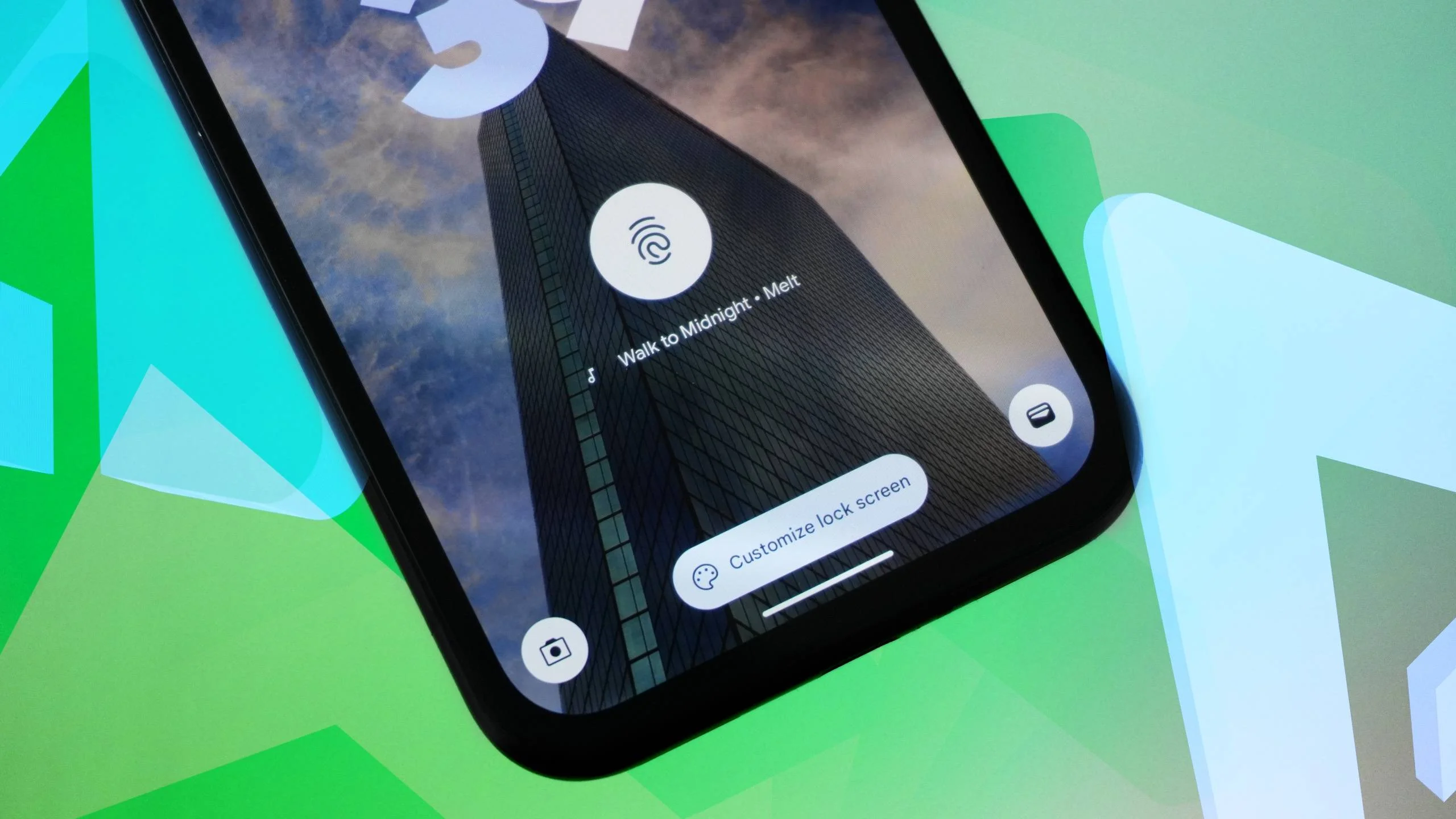
Up until today, the native Now Playing interface appeared as a subtle line of text near the bottom of your Pixel's screen. With the latest update, the UI retains its original look, all while acting as a gateway to a more visually loud experience (via Android Authority).
The new UI is dynamic
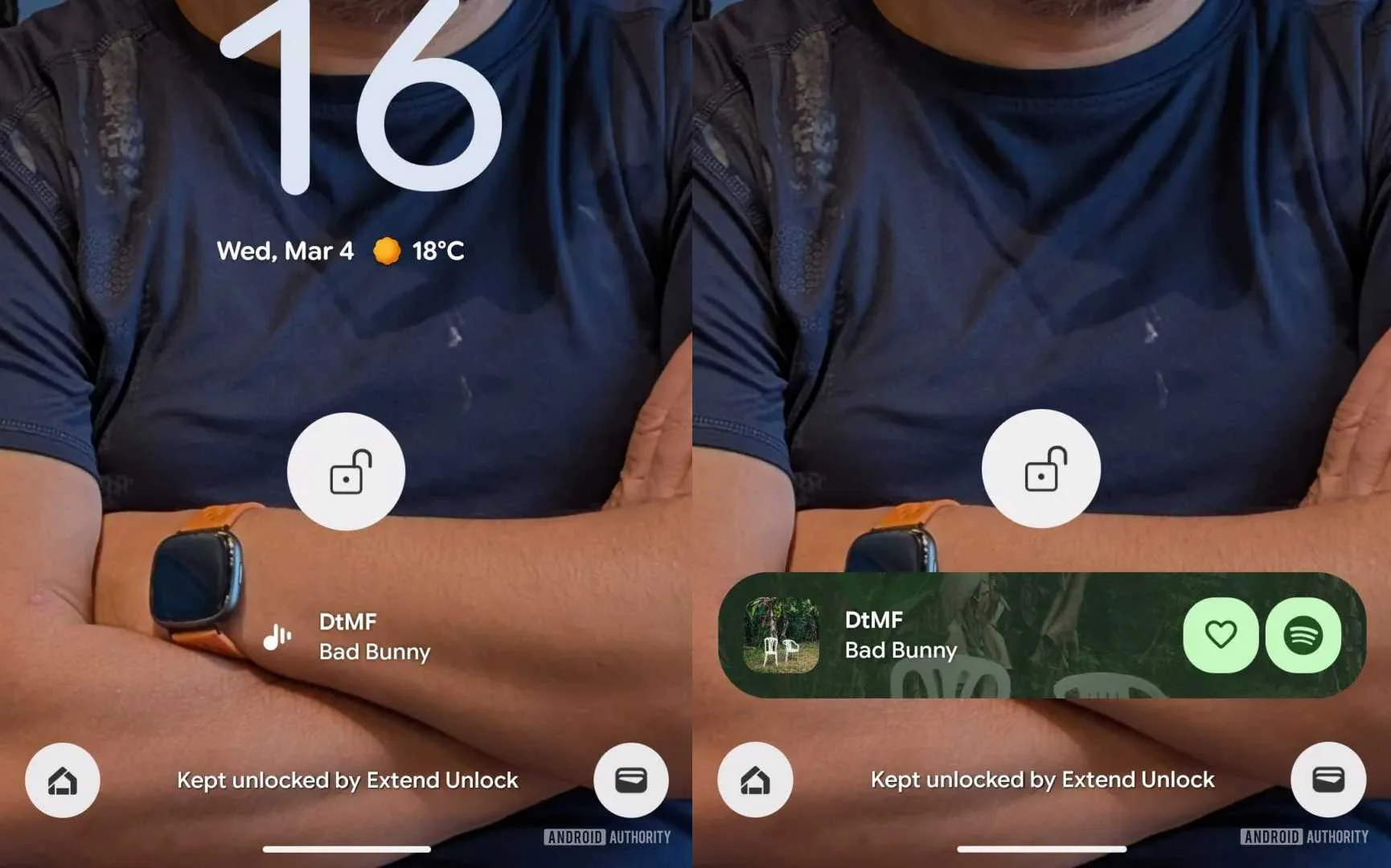
Old (left), new (right)
Tapping the white line of text once a song has been identified now expands the card into a sleek, pill-shaped Now Playing bar, complete with album art, the option to play the song on your default music player, and the option to 'like' the song on said streaming platform.
It's a change that works for all. Those who prefer a cleaner look can simply look at the song identified. Those who prefer to go the extra mile and like identified songs on streaming platforms can tap the simpler UI to reveal a richer UI.
There are, however, a few wrinkles left to iron out. According to the report, the implementation does not work as intended for each song, with some failing to pull the album artwork. When this happens, the new implementation simply highlights the identified song's name within a white pill.
This could be an issue with Now Playing fetching album cover art, though we're not entirely certain.
Are you seeing the new Now Playing card on your Pixel? Let us know in the comments below!
